

13
Core modules

1
Shared ledger

30
Day trial

∞
Custom workflows
Outcomes
What changes when you go live
Results from the real product — not a brochure checklist copied from another vendor.
Sell and invoice cleanly
Sales POS, customer invoices, returns, and a customer ledger that accounts can stand behind.
Know what you hold
Products, categories, stock ledger, adjustments, and valuation — tied to purchases and sales.
Stay close to customers
CRM follow-ups and communication without a second spreadsheet.
Run the company books
Vouchers, cash/bank, tax, payroll, and fiscal locks for month-end close.
How we start
A short path from first call to go-live
The same onboarding used for schools, restaurants, and trading companies.
Talk to us
Tell us your business type
1st StepWe map modules
POS, stock, HR, accounts
2nd StepGo live
Users, locations, opening balances
3rd StepCustomise
Reports and extra workflows
4th StepModules
Every application your team actually opens
These are the live apps after we activate the tenant — not a wish list.

Sales & POS
Counter sales, invoices, returns, customers
Products
Items, categories, and catalogues
Inventory
Stock ledger, adjustments, reports
Purchases
POs, vendor bills, returns, reports
Suppliers
Vendor profiles and buying insight
CRM
Customers, follow-ups, communication
HR
Employees, leave, documents
Payroll
Salary runs, payslips, income tax
Accounts
Vouchers, ledgers, cash/bank, year-end
Tax
Tax profiles, reports, payments
Analytics
Dashboards and performance reports
Notifications
Announcements and alerts
Owner & Admin
Users, rights, multi-business
Look closer
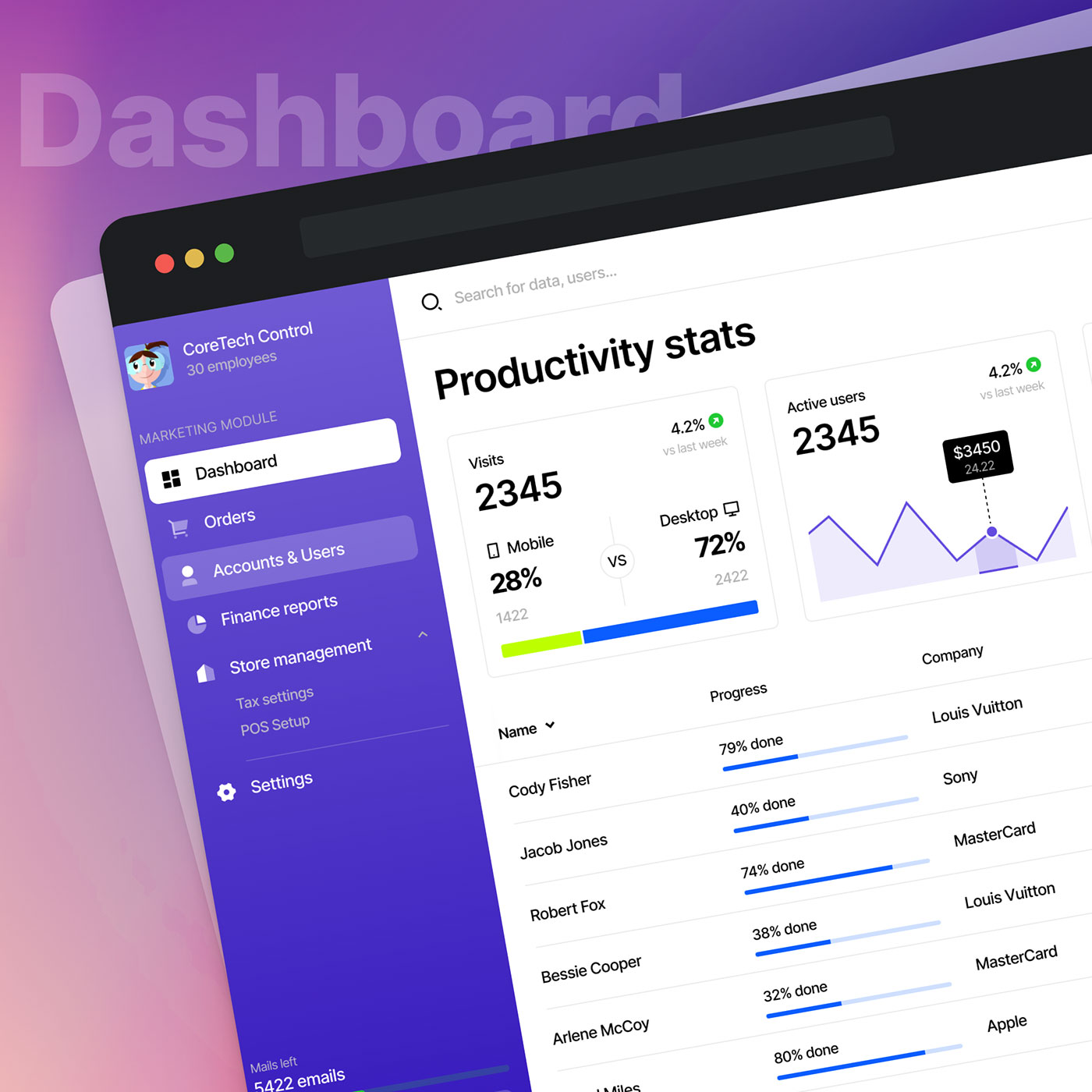
One ledger from counter to close
Sales, purchases, payroll, and tax post into the same accounts engine. Opening balances, transfers, and year-end close are first-class — not an export to someone else’s books.
Inside the product
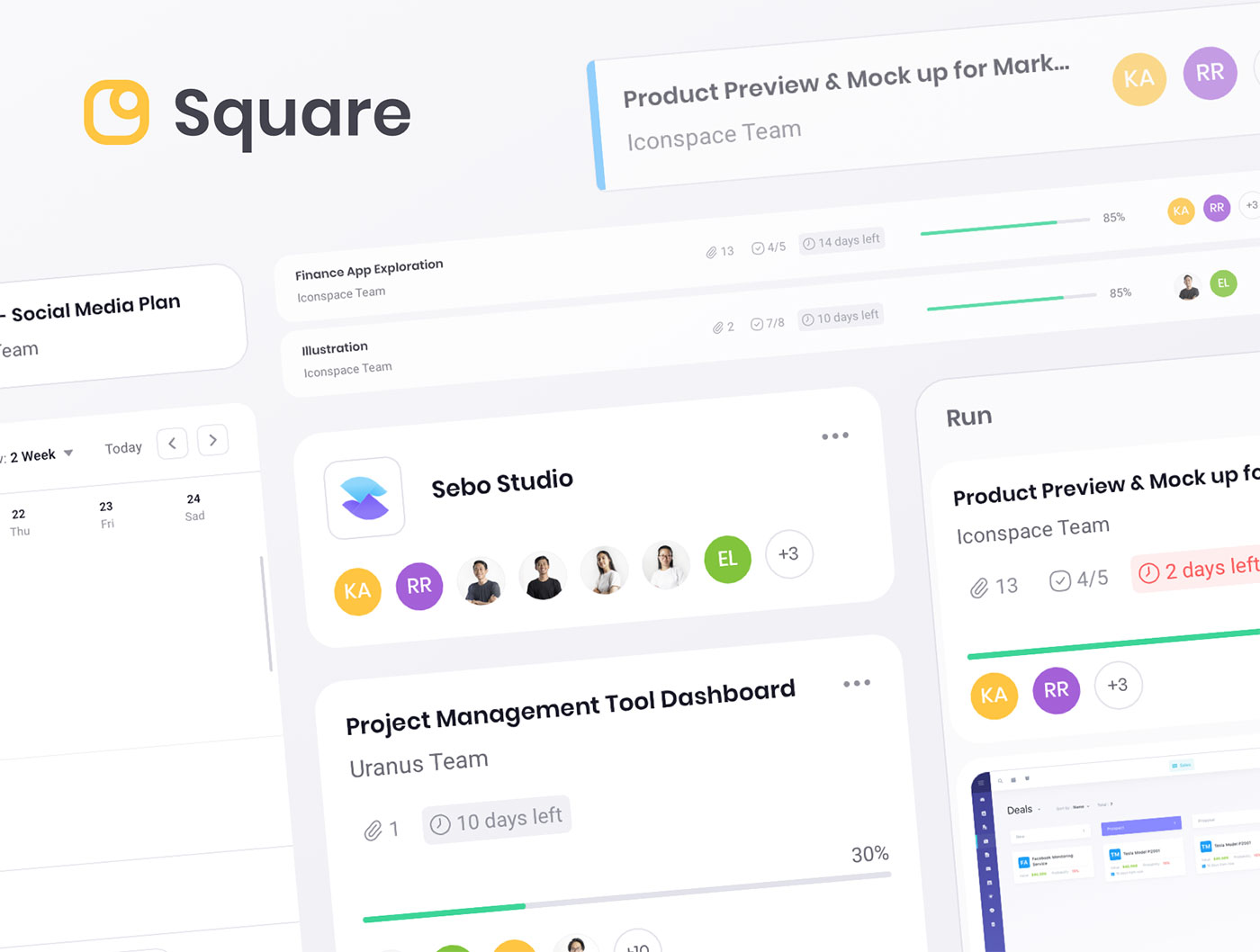
Stock you can audit
Inventory is not a separate app pretending to be accounts. Adjustments, valuation, and purchase receipts stay reconcilable.
Who it is for
Built for every seat in the operation
Owners
One login for sales, stock, payroll, and profit.
Sales teams
POS, invoices, and customer follow-up.
Store / warehouse
Stock that matches purchases and sales.
Finance
Vouchers, tax, and a close they can defend.
Customisation
Built for you — then shaped around you
Every school, restaurant, and business works differently. We customize SpiralSoft products to your workflow, reports, branding, and integrations — just tell us what you need.
Who to contact
Talk to SpiralSoft
Call, email, or WhatsApp. We will tell you honestly what is standard and what we will customise.
Call
+92 336 9104540
Message us now
info@spiralsoftech.com
Visit
UG-101, Deans Trade Center, Peshawar
Next step
See Business ERP with your data in mind
Call, email, or send a WhatsApp. We will map the product to your operation and tell you honestly what is standard and what we will customise.